AppTierList › Guides › GEO
Get Your App Recommended by AI
AI assistants name apps from pages their crawlers can read. Here is how each one finds those pages, and the three places a maker should work on, in order.
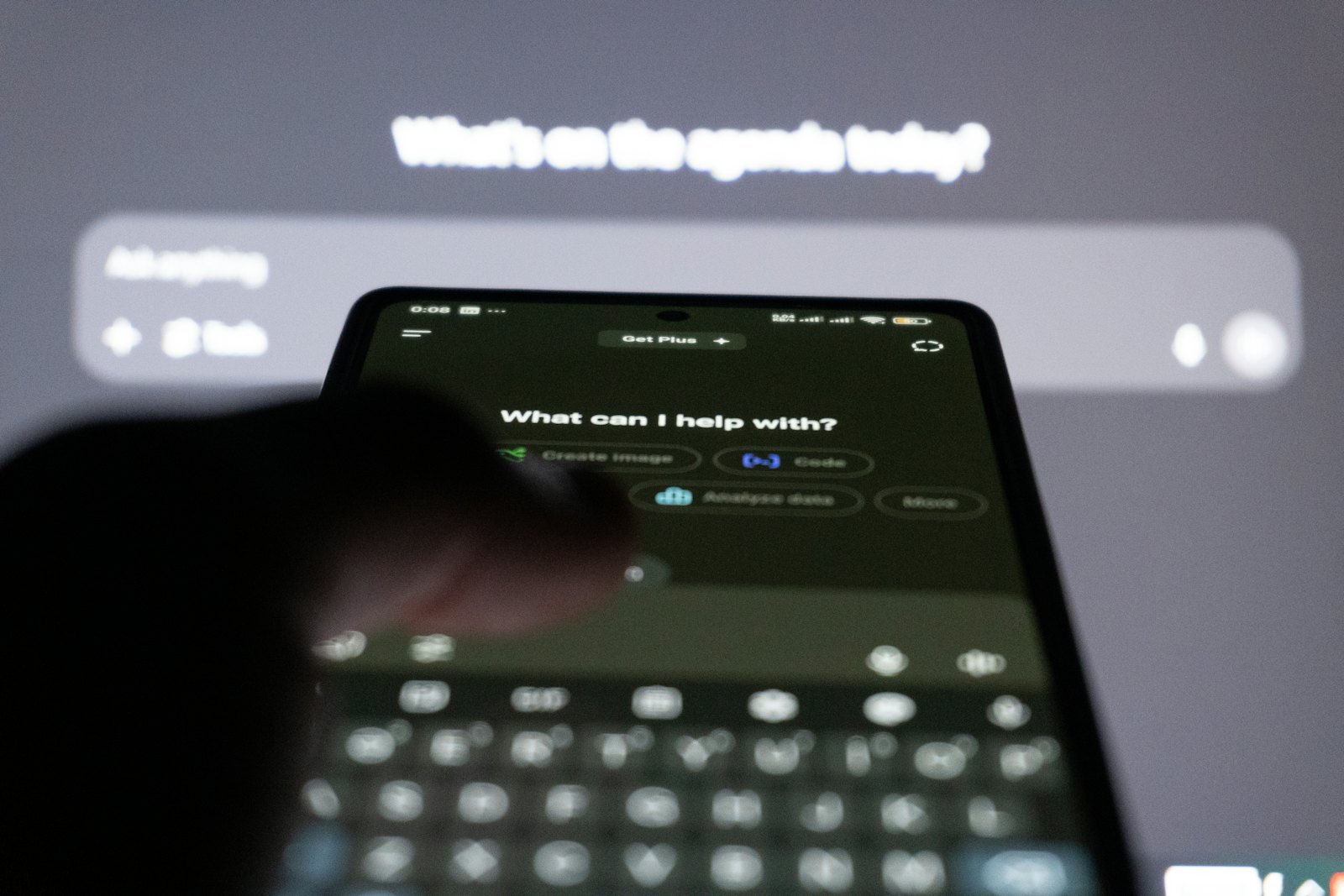
Photo: Zulfugar Karimov on Unsplash
Quick answer
To get an app named by ChatGPT, Claude, Perplexity, Copilot or Gemini, make it easy to find and easy to describe on the pages their crawlers read. In what we see, this order works. First, the App Store page: a description whose opening lines say plainly what the app does and who it is for, because AppTweak estimates that store listings are the largest single group of sources ChatGPT cites when it recommends apps in the US. Second, your own website: the same name and the same words, one clear page per main use, open to the search crawlers each assistant runs. Third, links to your site from category lists where your app sits next to its rivals, because a question like which app should I use is answered by comparing apps. Each assistant uses its own crawler or a search index: OAI-SearchBot for ChatGPT search, PerplexityBot, Claude-SearchBot, Bing for Copilot and Google Search for AI Overviews and Gemini. None of them asks for llms.txt or special markup. Test a fixed set of prompts once a month, logged out, and write down which apps get named.
Each assistant reads the web through a crawler you can name
GEO, short for generative engine optimization, means making your app easy for AI assistants to find, describe and name in an answer. It sits next to ASO, App Store optimization, which is the work of ranking and converting inside App Store search. The two overlap more than most makers expect, because assistants read many of the same pages people do.
An assistant cannot name an app it has never read about. Each one reaches the web in its own way, and each vendor documents it.
- ChatGPT. OpenAI runs OAI-SearchBot to find pages for ChatGPT search, GPTBot to collect training data, and ChatGPT-User to open a page when a person asks about it. OpenAI says a site that blocks OAI-SearchBot will not show up in ChatGPT search answers.
- Perplexity. PerplexityBot finds and links pages for Perplexity’s answers and is not used to train models. Perplexity-User fetches a page when a person’s question needs it.
- Claude. Anthropic runs ClaudeBot for training, Claude-SearchBot to improve search answers and Claude-User for requests a person makes. Anthropic says blocking Claude-SearchBot can reduce how visible a site is in Claude’s search results.
- Copilot. Bing’s AI Performance report in Bing Webmaster Tools shows how often a site’s pages are cited in Microsoft Copilot and in Bing’s AI summaries.
- Google AI Overviews and Gemini. Google says a page needs nothing extra to appear in AI Overviews or AI Mode: it has to be indexed and eligible for a normal search snippet. A separate robots.txt token, Google-Extended, controls whether Google may use your pages to train Gemini and to ground answers in the Gemini apps. It has no effect on Search.
Two things follow. Keep the search crawlers open on every page you own, whatever you decide about training. And do not spend time on llms.txt: none of these vendors asks for it, and Google says outright that its AI features need no special text files or markup. It is not a lever.
The App Store page is the first thing to fix
Your product page on the App Store is a page assistants can find for any app, because every app has one and it is widely linked. AppTweak estimates that app store listings made up 47.5% of the sources ChatGPT cited when it recommended mobile apps in the US. Treat that as one vendor’s estimate for one assistant, not a rule.
Write the description for a reader who knows nothing about you.
- Open with the job. The first sentence should say what the app does and who it is for, in the words a person would type into a question. A sleep tracker should say it tracks sleep, not that it transforms your nights.
- Name the use cases. If the app handles three jobs, say so in plain lines. An assistant matching a question about receipts to your budgeting app needs to see the word receipts.
- Keep the facts current. Price model, devices and the main features should match the app today. A description that still promises a removed feature gets repeated by assistants long after you changed it.
- Use one name. The name in the store, on your site and in every list should be the same, so an assistant can tell all of those pages describe one app.
Screenshots sell the app to people, but crawlers read text. Whatever matters for a recommendation has to be in the words as well as in the pictures.
Your own website backs up the store page
Your website comes second. Assistants use it to confirm what the store page says and to answer the questions the store page does not: who makes the app, how it differs from its rivals, what it costs after the trial.
A small site does this well if it is clear.
- Use the same app name and the same one-line description as the store page.
- Give each main use its own short page, with a heading that says the job and a link to the App Store.
- Write an honest comparison with the apps people weigh you against, focused on the use case rather than on attacks.
- Check that robots.txt allows the search crawlers named above, then add the site to Google Search Console and Bing Webmaster Tools.
- Date your pages and update them when the app changes, so a crawler sees a current page.
The hard part for a solo maker is not writing the site. It is getting crawlers to visit a small domain often enough to notice it, which is where outside links come in.
Category lists show you beside your rivals
When someone asks an assistant which app to use for a job, the answer is a comparison. Pages that already compare apps for a use case, with your app and its rivals side by side, are a natural place for that comparison to draw from. Being on those pages tells an assistant what your app is for and which apps it belongs with. Links from them to your website also give crawlers a path to a site they might otherwise rarely visit.
In what we see, that is the third place to work on, and it is why category sites matter more than a bare listing. AppTierList is one of them: it sorts iPhone apps by use case, its order is computed rather than bought, and adding an app costs nothing. Machines read it constantly. In the 30 days to 2 November 2026, bots and AI assistants read AppTierList pages at least 857,000 times and called its API about 758,000 times: over 1.6 million machine requests. At least 494,000 of those page reads came from AI crawlers.
Each tier comes from a score built largely from what anyone can see on the App Store. How we rank lists every part. Because the rating count and the recency are inputs, tiers partly follow from them by construction. Being listed beside rivals places your app in the comparison people already make.
Test the same prompts every month and keep your page current
GEO work is only useful if you can see it working, and assistants change their answers often. A simple monthly check is enough.
- Write a fixed set of questions a real user would ask, such as which iPhone app should I use to track my spending.
- Run each one logged out in ChatGPT, Claude, Perplexity, Copilot and Gemini, and run it more than once, because answers vary between runs.
- Note which apps are named and which pages are cited. Perplexity and Copilot show their sources, which makes them the easiest place to start.
- Repeat the same set every month and compare. Change one thing at a time, so you know what moved the answer.
When an assistant gets a fact wrong, find the page it took the fact from and fix that page first. Usually it is an old description or an outdated list.
Claim your app’s page and keep it in step with the store page:
- Claim it with one email address, either from the app’s existing page or by submitting the app.
- Fill in your website and the one-liner from your store page, written in your own words, so assistants meet the same sentence twice. It goes live with verification.
- Share your page from your website, your newsletter and your social posts.
The numbers
- 857,000page reads of AppTierList by crawlers and AI bots in 30 days (856,770 measured)As of
- 758,000API calls to AppTierList by bots in the same 30 days (757,625 measured)As of
- 1.6 millionmachine requests in those 30 days: page reads plus API callsAs of
- 494,000of those page reads came from AI crawlers (494,250 measured: training, search, data and assistant classes)As of
- 30 days to 2 November 2026the window of the traffic figures above (2026-10-04 to 2026-11-02)As of
- 47.5%of the sources ChatGPT cited when recommending mobile apps in the US were app store listings, by AppTweak's estimate (vendor study)As of
Method: 6 figures from AppTierList's ranked lists, data as of November 3, 2026.
Keep reading
- Ratings · 6 min read
How Many App Store Ratings You Need
The star average gets the attention, but the number of ratings behind it is what people and rankings trust. Here is the target, the timing and the rules. - Competitors · 5 min read
App Directories Worth Your Time
A directory is worth your time when it shows your app next to the apps people compare it with. A bare listing does far less, for search and for AI. - Data · 5 min read
How Often Do Top Apps Update?
We measured how long ago every ranked app in every active list shipped its current version. The top of each list is almost always fresh; the bottom has mostly stopped. - Launch · 7 min read
Best Ways to Promote Your App in 2026
Ten promotion channels for a small iPhone app, compared on what they cost, how much work they take and how long they keep paying back.


FAQ
What is GEO for an app?
GEO, or generative engine optimization, is the work of making an app easy for AI assistants such as ChatGPT, Claude, Perplexity, Copilot and Gemini to find, describe correctly and name when someone asks which app to use. For an app it starts with the App Store page, then the maker's website, then the category lists where the app appears next to its rivals.
Does llms.txt help my app get recommended by AI?
Not in any way the assistants document. OpenAI, Perplexity and Anthropic describe their crawlers and robots.txt rules, not llms.txt, and Google says its AI features need no special text files or markup. A clear App Store page and a crawlable website do far more.
Should I block AI crawlers on my app's website?
Block training crawlers if you want, but leave the search crawlers open: OAI-SearchBot for ChatGPT search, PerplexityBot, Claude-SearchBot, Bingbot and Googlebot. OpenAI says a site that blocks OAI-SearchBot will not appear in ChatGPT search answers, and Anthropic says blocking Claude-SearchBot can reduce visibility in Claude's search results.
How do I check whether ChatGPT recommends my app?
Write a fixed set of questions a real user would ask, such as which iPhone app should I use to track sleep, and run them logged out in ChatGPT, Claude, Perplexity, Copilot and Gemini. Run each more than once, note which apps are named and which pages are cited, and repeat the same set every month.
Sources
Add your app: free and fast
Paste its App Store link and your email. It gets a page and a place in the lists it serves.
Add your app